
Overview
Before a UCLA Wifi Guest account can be used it must be activated. It is best for the guest to set this themselves so that only they will know the password that is created.
Guest will need to follow the instructions on the Guest Logon ID card they are given:
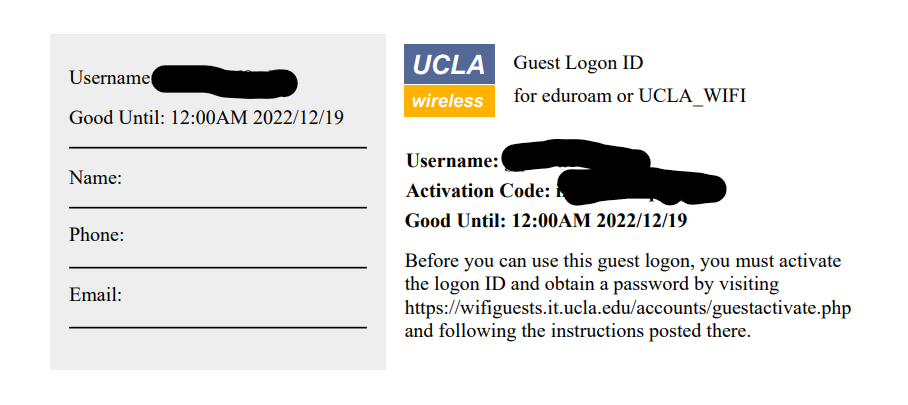
NOTE: You cannot just take the username and activation code, punch those in and expect them to work with the wifi networks or any other resources. This process must be done first.
Steps to activate your Guest Logon ID
- Go to this page to Activate WiFi Guest Account (ucla.edu)

2. Fill in the Username and Activation code from the PDF you generated:
3. Set a password which adheres to the constraints listed in the paragraph above the password and new password fields and do so within 240 second timer:
4. You should see a successful activation notification
You can now use the provided username and the password you created to access UCLA Wifi. Please review the following important documents with regard to our expectations for use of these resources:
UC Electronic Communications Policy: Electronic Communications Policy (ucop.edu)
UCLA Acceptable Use Policy: IT Services Acceptable Use Policy | IT Services (ucla.edu)
Getting Help
The UCLA IT Support Center can be called at 310-267-4357 if you run into any trouble.