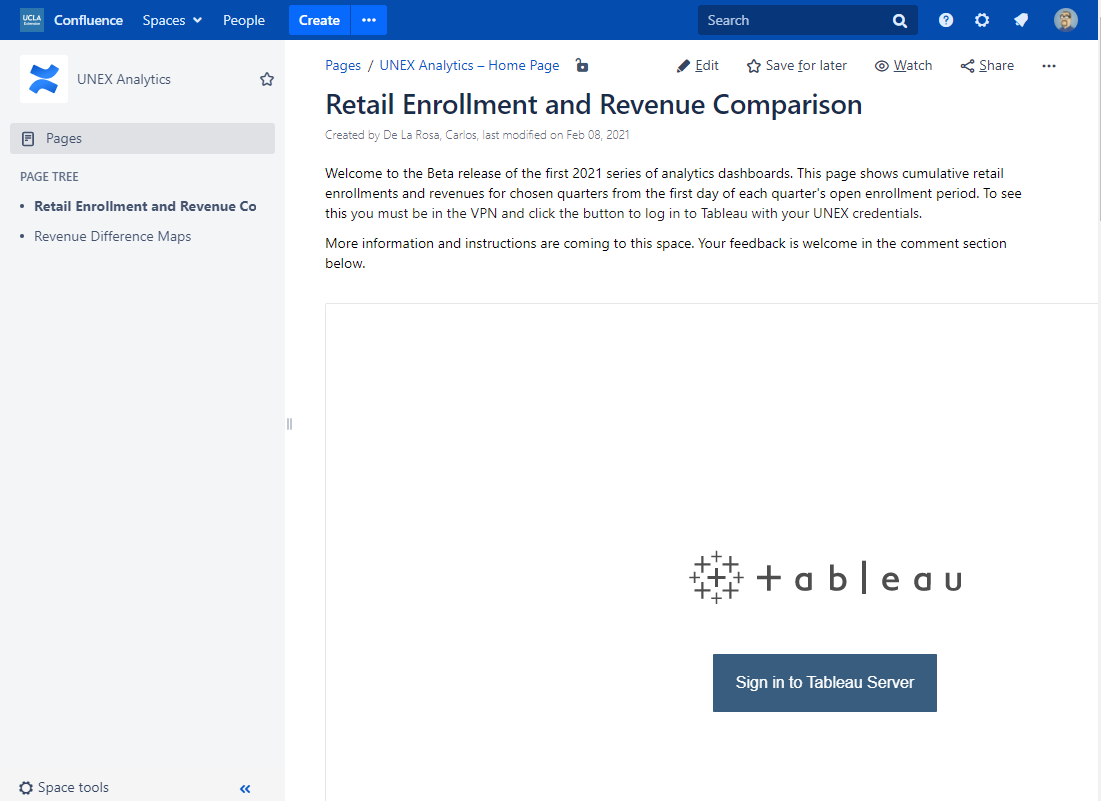
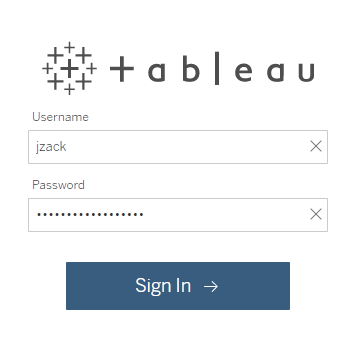
Both Confluence and Tableau use your UNEX Network Login to authenticate you. This is the same set of credentials you would use to sign into the VPN, or unlock your work computer.
Confluence / Intranet
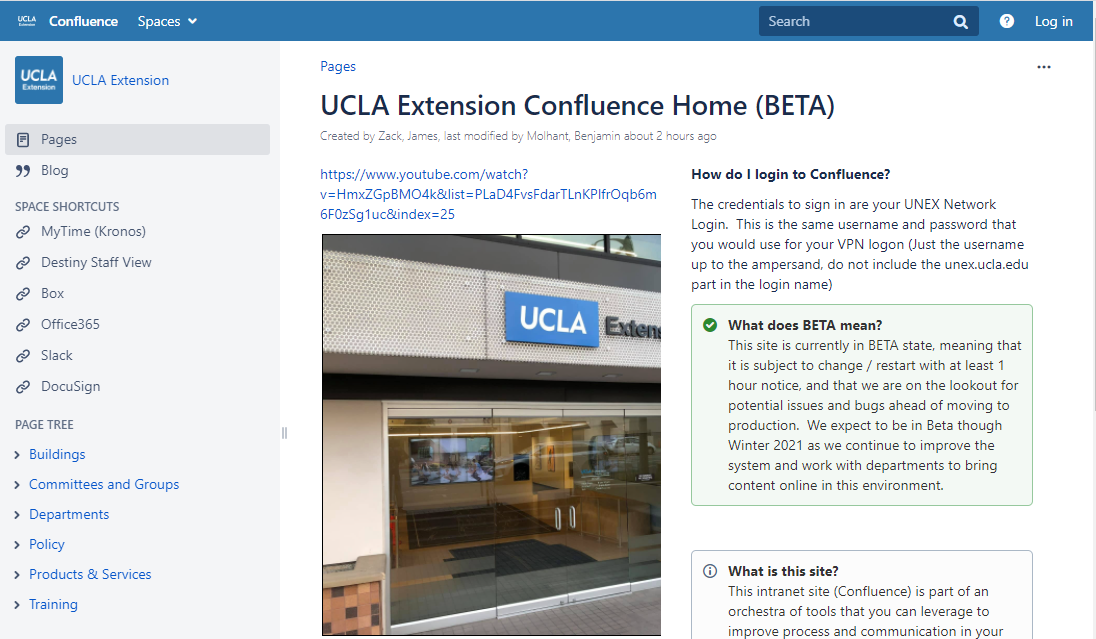
To login to Confluence (the Intranet), click on the Log in link in the upper right corner
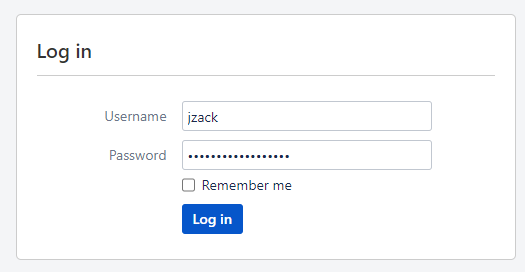
2. In the Log in box, enter your UNEX Network Login name (just the name, no email address here) and your network password, and click the Log in button.
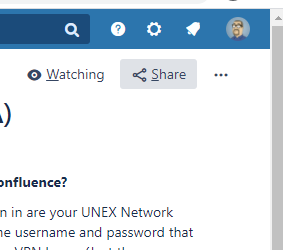
3. When you have successfully logged in, the icon in the upper right will change to reflect your icon.
Tableau
To sign into the Tableau portal, you use the same set of credentials as you do for Confluence.