
UCLA Extension uses shared mailboxes for a variety of reasons, including communications with our students, marketing opportunities, and business purposes.
Types of Access
There are two types of access that can be requested, depending upon your needs.

Mailbox access allows you to see messages in a shared mailbox. You cannot take any action on messages with this permission as if you were that mailbox, such as forwarding or replying on behalf. You can however copy messages to your inbox or reply as yourself.

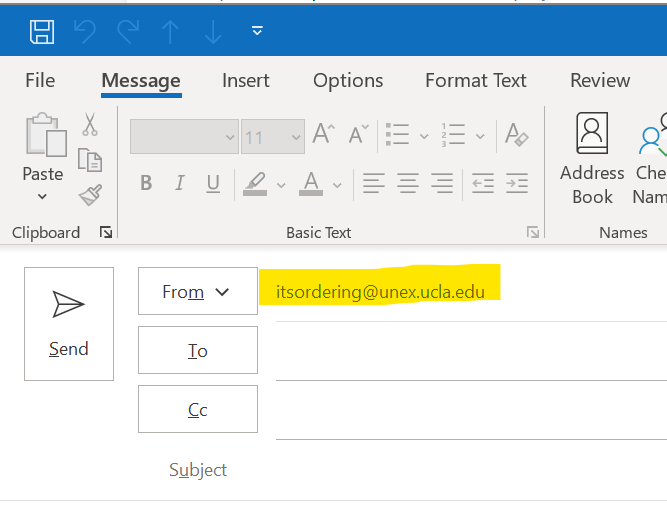
Send on behalf will allow you to send an email impersonating the mailbox address. This can be helpful when you want replies to be directed to this mailbox.
Requesting Access to a Shared Mailbox
Access to a shared mailbox can be provided with a help request. The mailbox owner or a supervisor for the area needs to authorize the change. Use the link below to open a request:
Submit a request – UCLA Extension (zendesk.com)
In your help request include the following:
- Which mailbox are you requesting access to? (Name and email address)
- Who needs the access? (Name and email address)
- What level of access is needed? (Mailbox access or Send on behalf access)
- Who is the owner of the mailbox / supervisor (Name and email address)
These service requests will be vetted by UNEX IT Services, who will coordinate with UCLA Enterprise Messaging to implement the change. This can take 2 business days but typically are completed in a few hours.
Once established you can follow the article Shared Email Accounts and Shared Calendars to get connected to the mailbox.